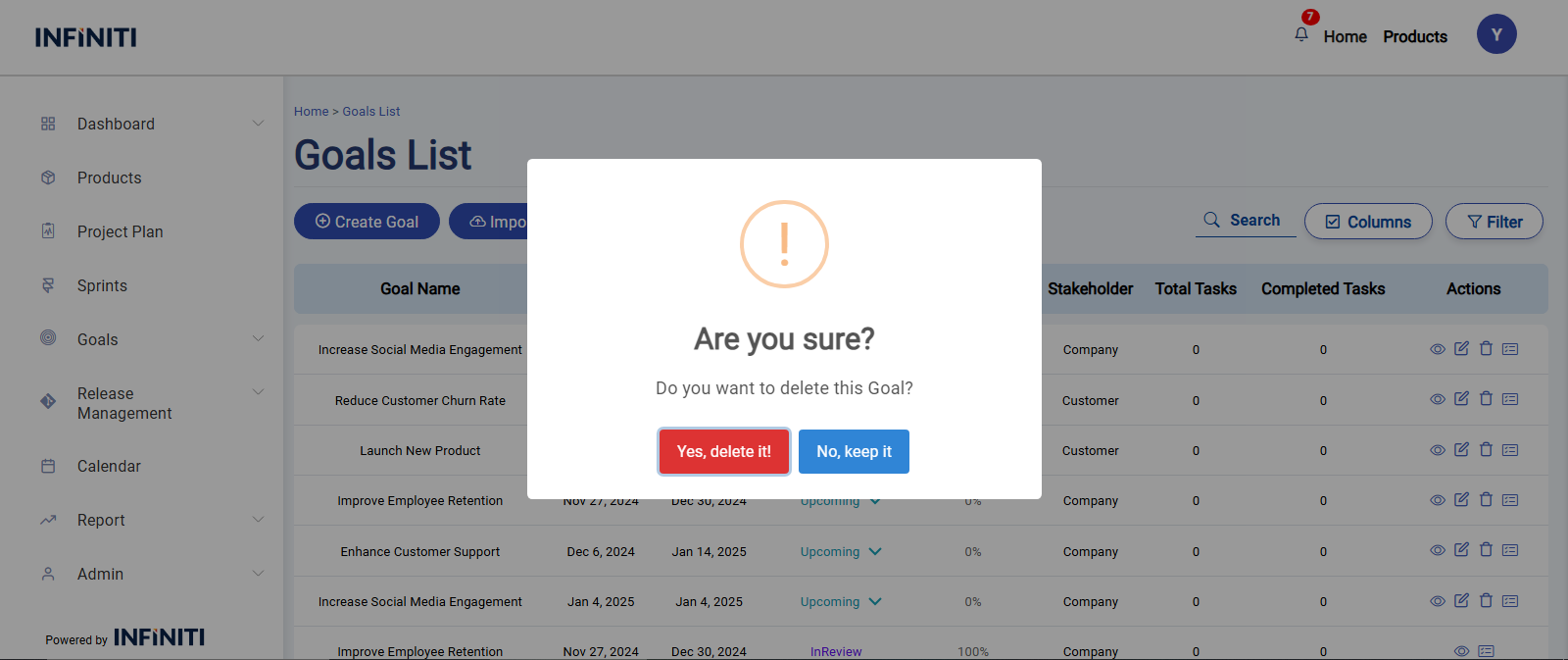
When you click the Delete icon on the goals list page, a confirmation popup will appear with the message: “Are you sure? You won’t be able to revert this!”
Clicking the Delete icon will display the following popup:
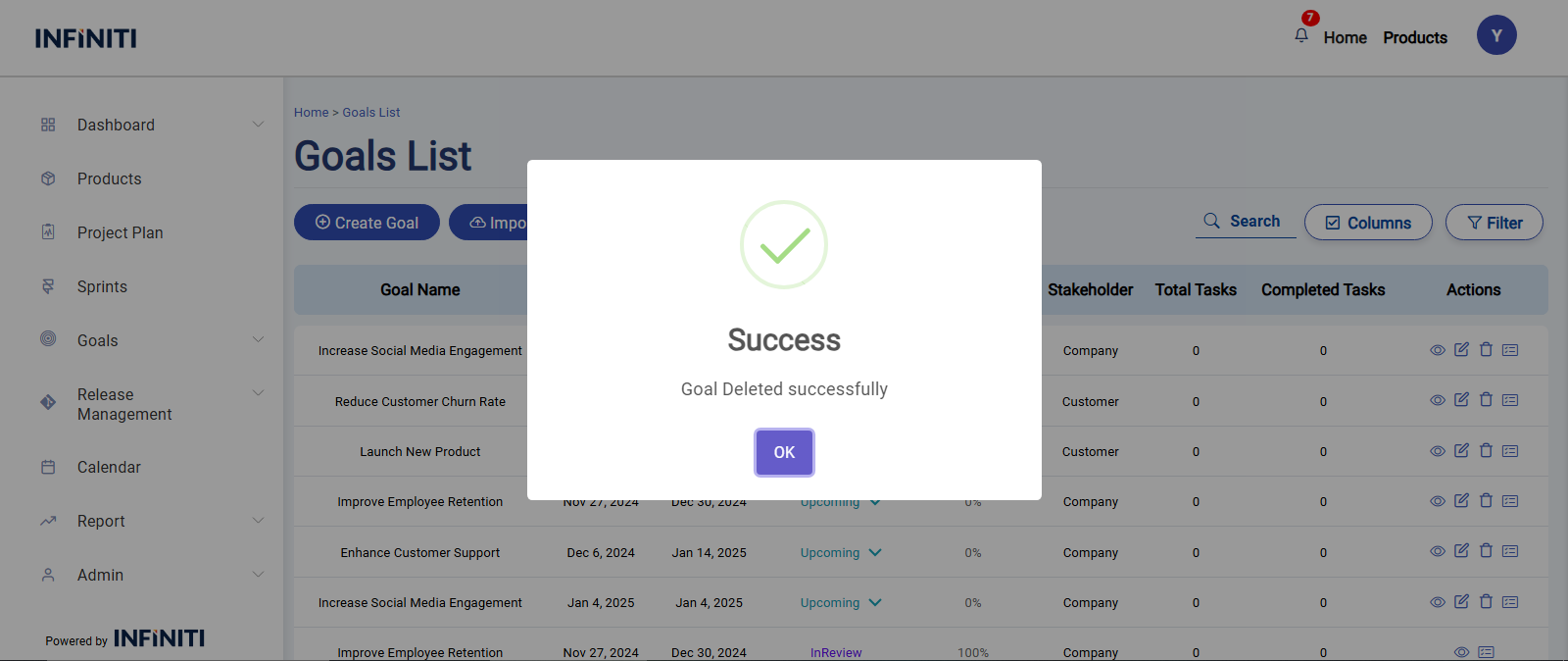
If Yes is clicked, the goal will be deleted, a success message will be displayed, and the goals list page will be updated to reflect the change.
If No is clicked, the goal will not be deleted, and no changes will be made.