
- By clicking the Create Goal button, the “Create Goal” form will be displayed.
- The following popup is the “Create Goal” form used to create a goal.
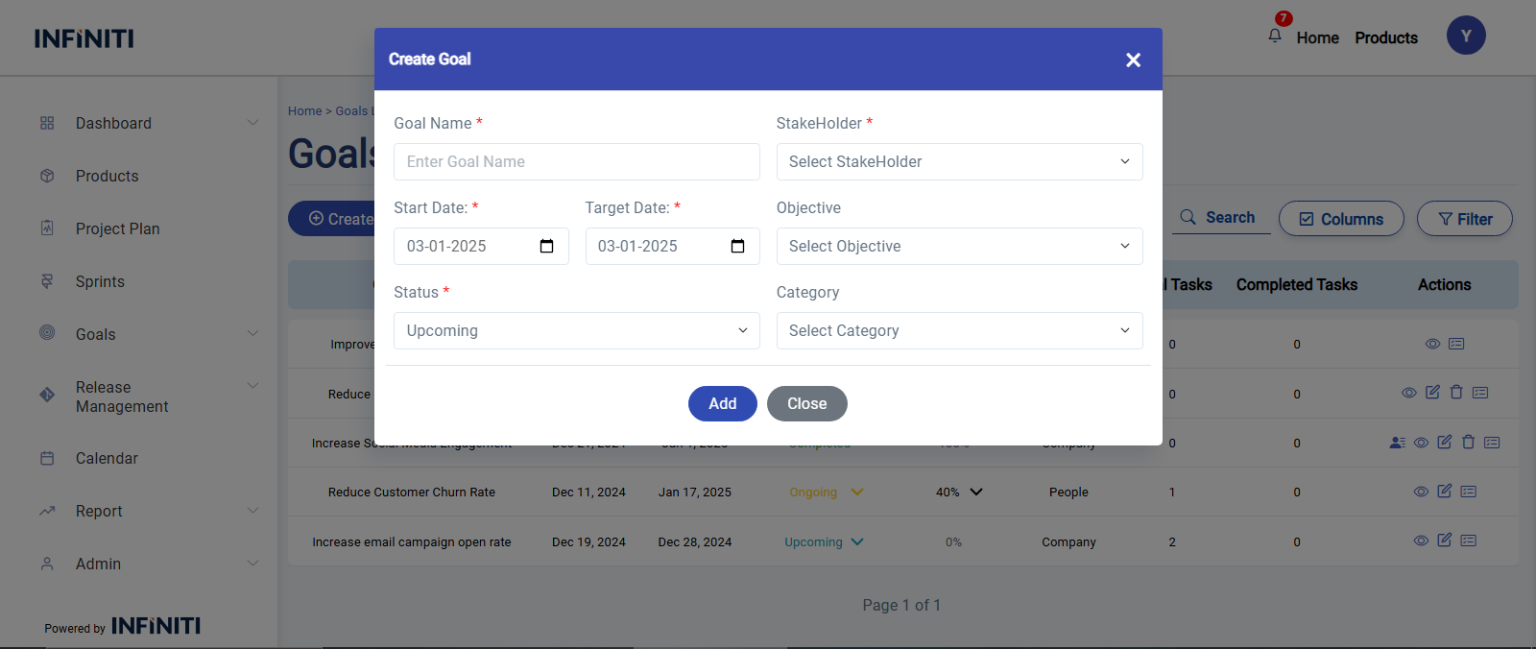
- Status Fields: By default the status will be Upcoming and the dropdown options are Upcoming and Ongoing.
- Date Fields: The date fields default to the current date but can be adjusted as needed. The start and end dates are interdependent, with the end date being based on the selected start date.
- Select Stakeholder: Choose the relevant stakeholder from the dropdown list.
- Objective Dropdown: The objective dropdown options are based on the selected stakeholder.
- Category Dropdown: The category dropdown appears based on the selected objective. To add a new category, select “Other” and enter the desired category name. If the entered category already exists, an error message will be displayed and submission will be prevented.
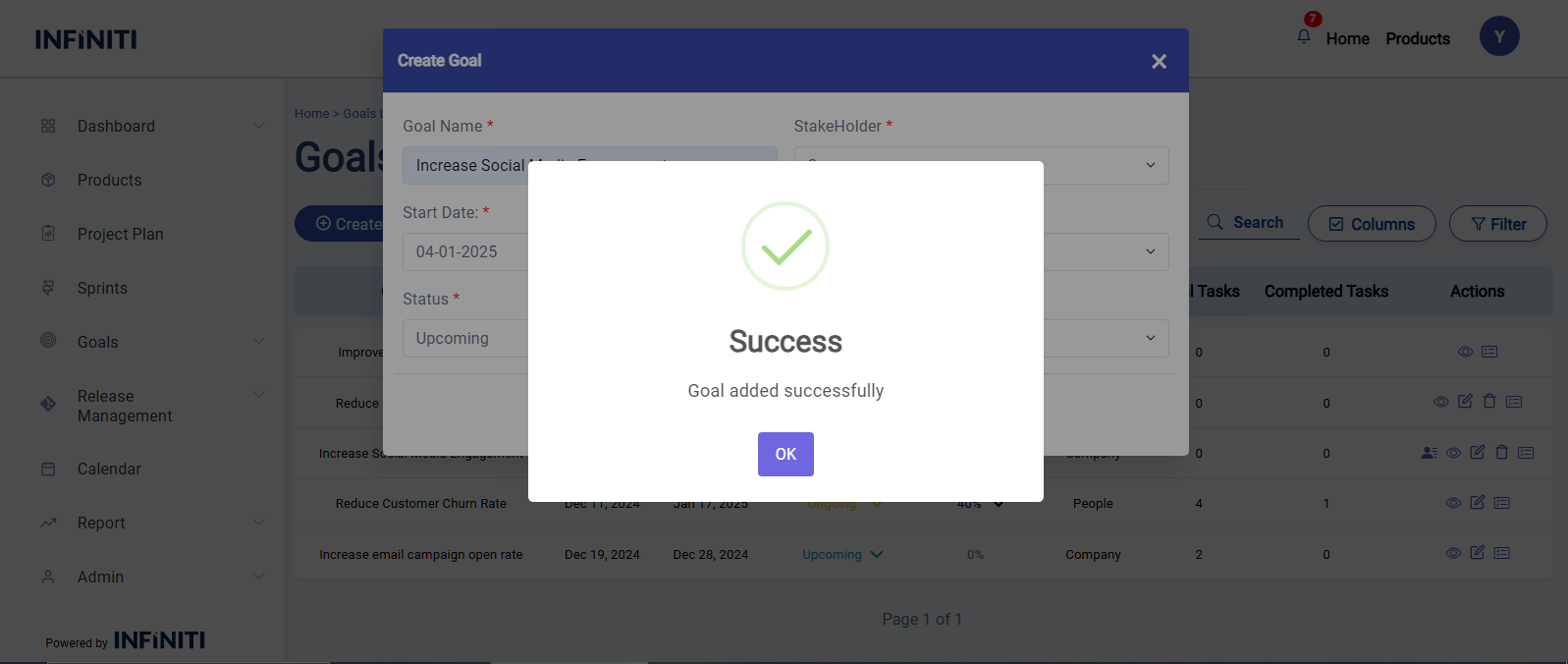
- Once all fields are completed, click Add to save the goal data to the database, and a success message will appear.
Functionality :
i. Mandatory Fields
- Goal name
- Status
- Stakeholder
- Start Date
- End Date
ii. Field Specifications
- Goal name – User-defined field for entering the name of the Goal name.
- Start Date – User-defined field for entering the start date when they begin working on the Gaol.
- End date – User-defined field for entering the end date when they finish working on the Goal.
- Status – Drop-down list to select the status of the Goal.
- Stakeholder – Drop-down list to select the stakeholder of the Goal.
- Objective – Drop-down list to select the objective of the Goal based on stakeholder.
- Category – Drop-down list to select the Category of the Goal based on objective.