Give Rating allows you to provide a rating for a completed goal.
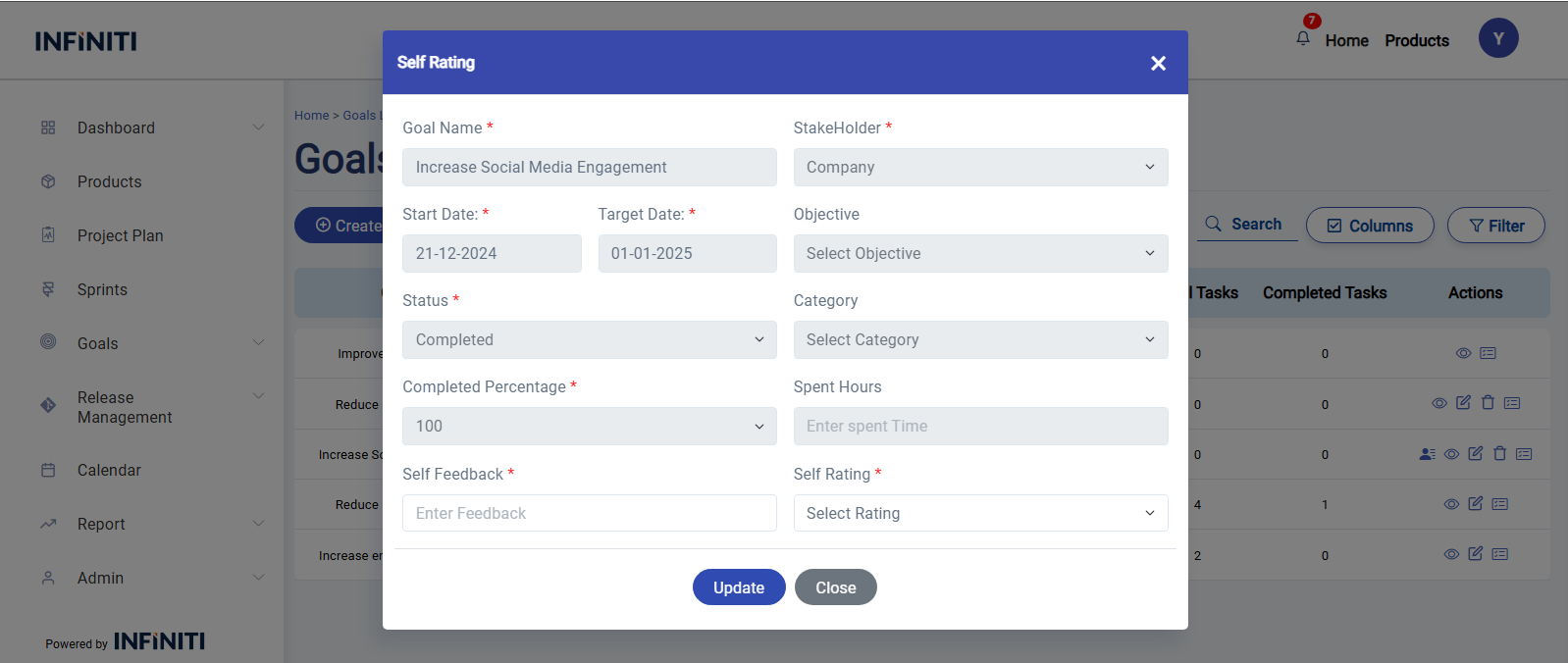
By clicking the ‘Rating’ icon on the goals list page, the Rating Goal form will be displayed.
In the Rating Goal form, the existing details of the goal will be displayed in a disabled state, meaning you cannot edit them. Additionally, two fields will be available for you to fill out.
Self Feedback: This field allows you to provide your feedback on the goal.
Self Rating: This field allows you to give a rating to the goal.
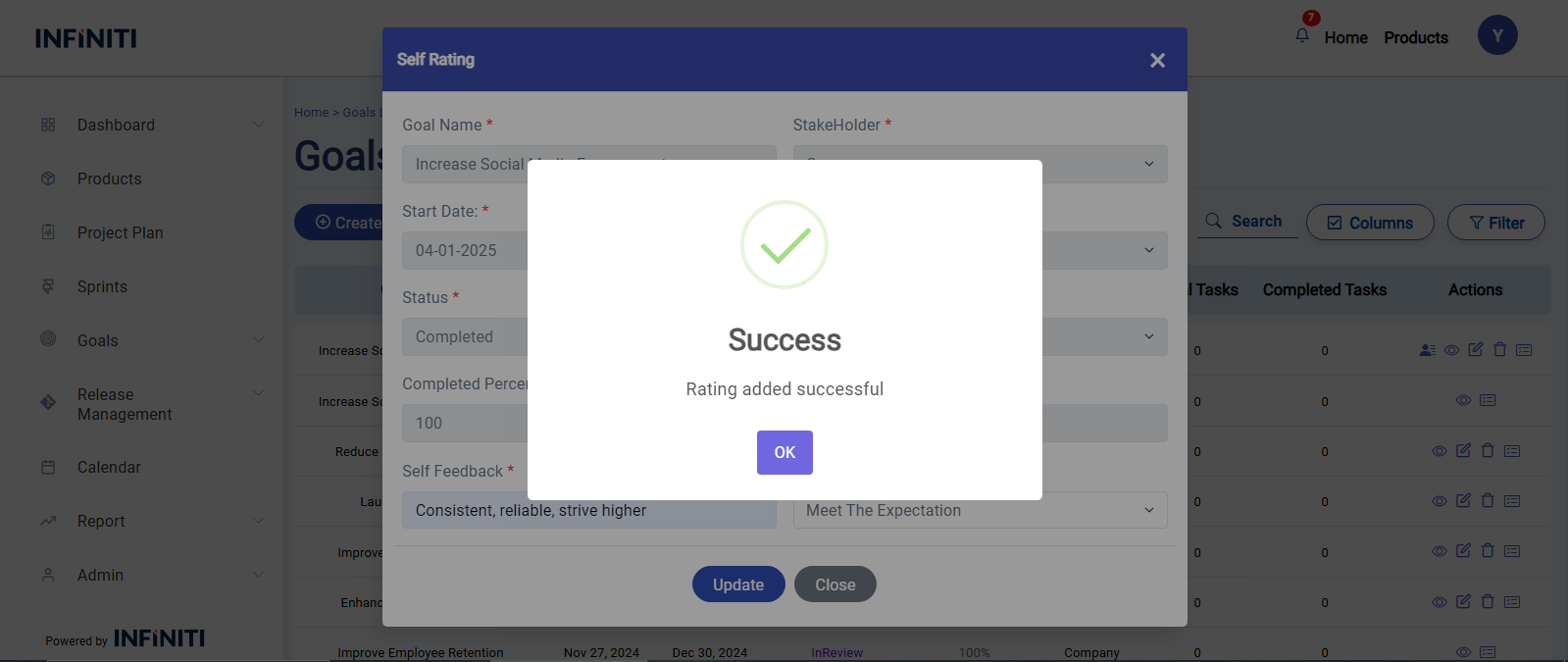
Once you’ve filled out the rating fields, click Update to save the updated goal details in the database. The updated goal will then be visible on the goals list page.