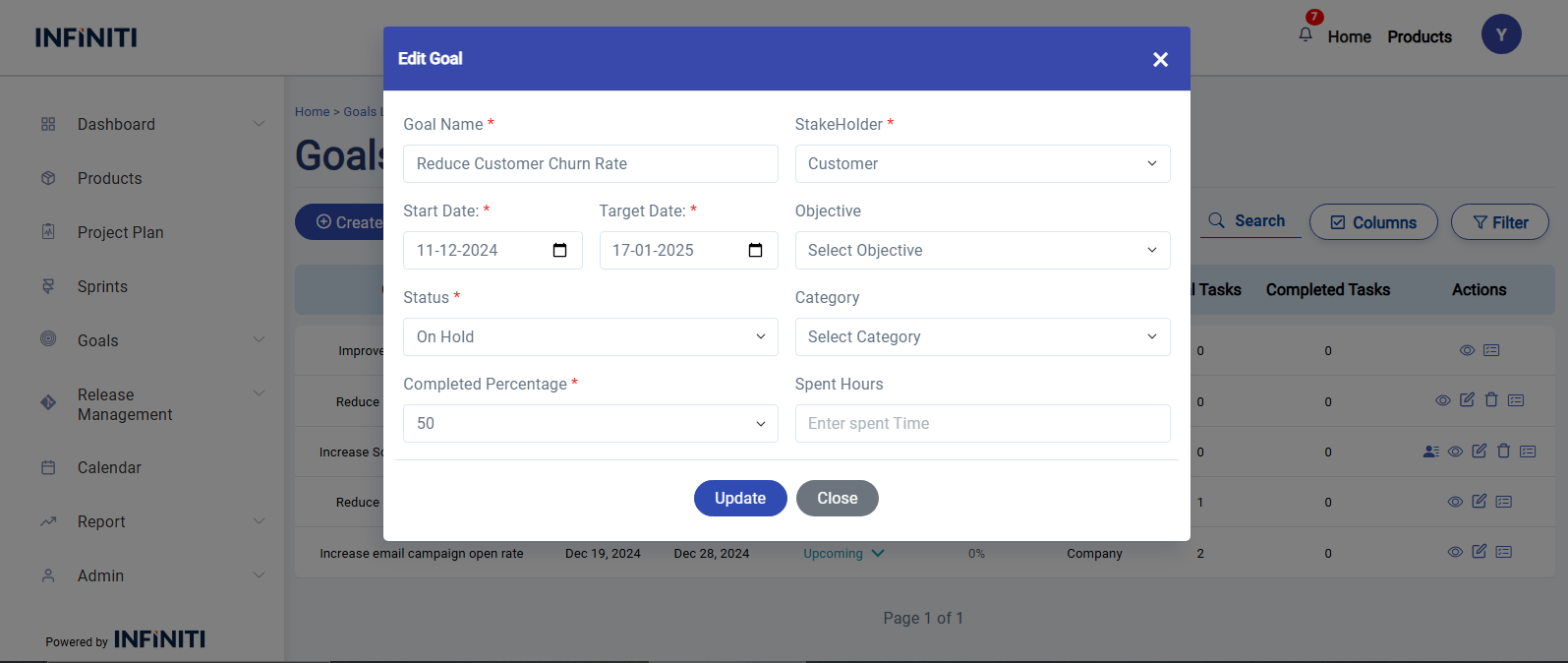
Edit Goal allows you to modify the existing details of a goal.
By clicking the ‘Edit’ icon on the goals list page, the Edit Goal form will be displayed.
In the Edit Goal form, the existing details of the goal will be displayed. You can modify the goal’s information as needed.
The Edit Goal form includes two additional fields compared to the Create Goal form.
Spent Time: This field allows you to input the total time spent on the goal so far.
Completed Percentage: This field lets you update the percentage of the goal that has been completed based on the progress made.
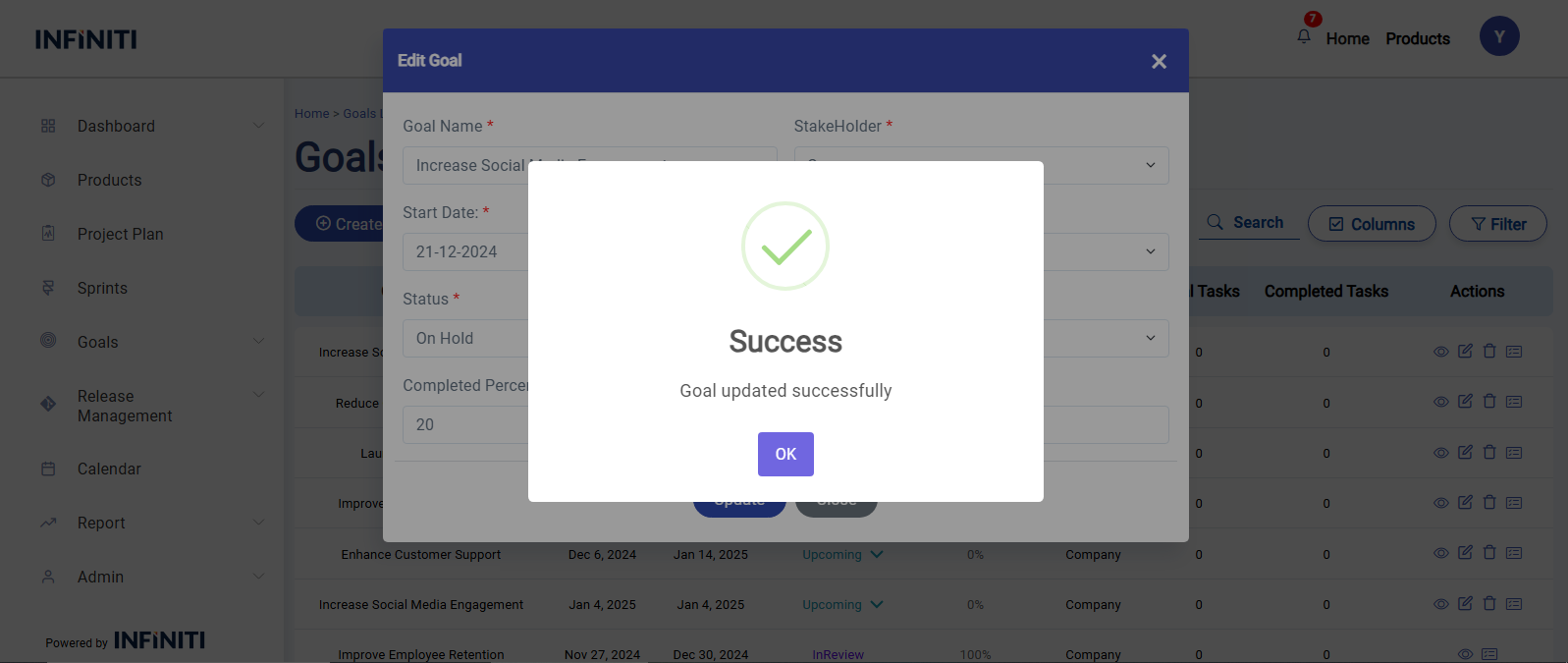
Once you’ve made the necessary changes, click Update to save the updated goal details in the database. You can then view the updated goal on the goals list page