
- By clicking the “Import user story” button the below popup will open.
- When the user wants to add multiple user stories at a time she/he can import the user story document by the import user stories option.
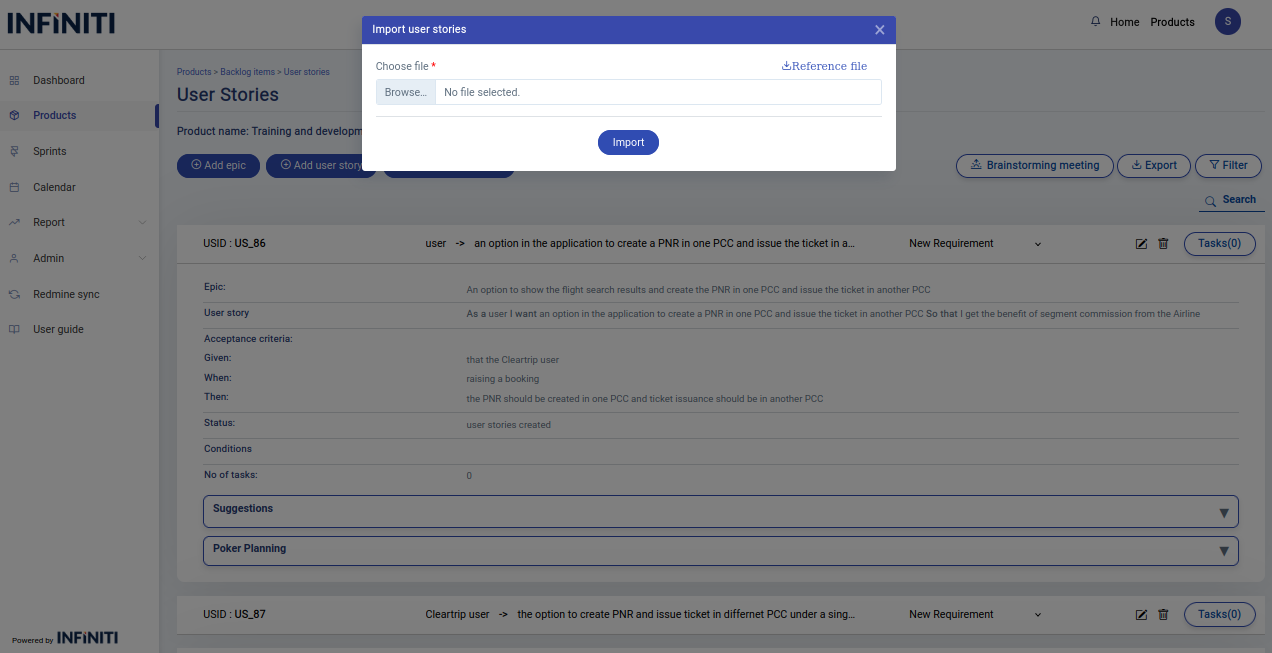
- In the import popup, users can download the sample file by clicking the ‘Reference File’ link.
- Only csv files can be uploaded if any other file type is uploaded, the popup will display an ‘Invalid file type’ error message.
- If the uploaded csv file is empty then the popup will display an ‘file is empty’’ error message.
- If a required column is missing in the uploaded file, the error popup will display a message indicating that a mandatory field is missing.